
Skip to content
  • There are no suggestions because the search field is empty.

Customize VoIP Message Templates

Watch the video below for the tutorial:

00:00: This article explains how to customize, VoIP, notification templates, within the kilogram platform.

00:06: Navigate to the Practice Settings.

00:08: Click VoIP notifications to access the notification template, customization options in the settings menu.

00:15: Click here to go to the templates page, where you can manage and customize your notification templates.

00:21: Click "Update" once everything is set.

00:24: And that's it. You have successfully navigated through the steps to customize VoIP. Notification templates in kilogram.

00:31: For more information contact. Our customer support team at support at kilogram.

 
This article explains how to customize VoIP notification templates within the Curogram platform.


Go to app.curogram.com

1. Access Curogram Practice's Settings

Navigate to the Practice Settings.
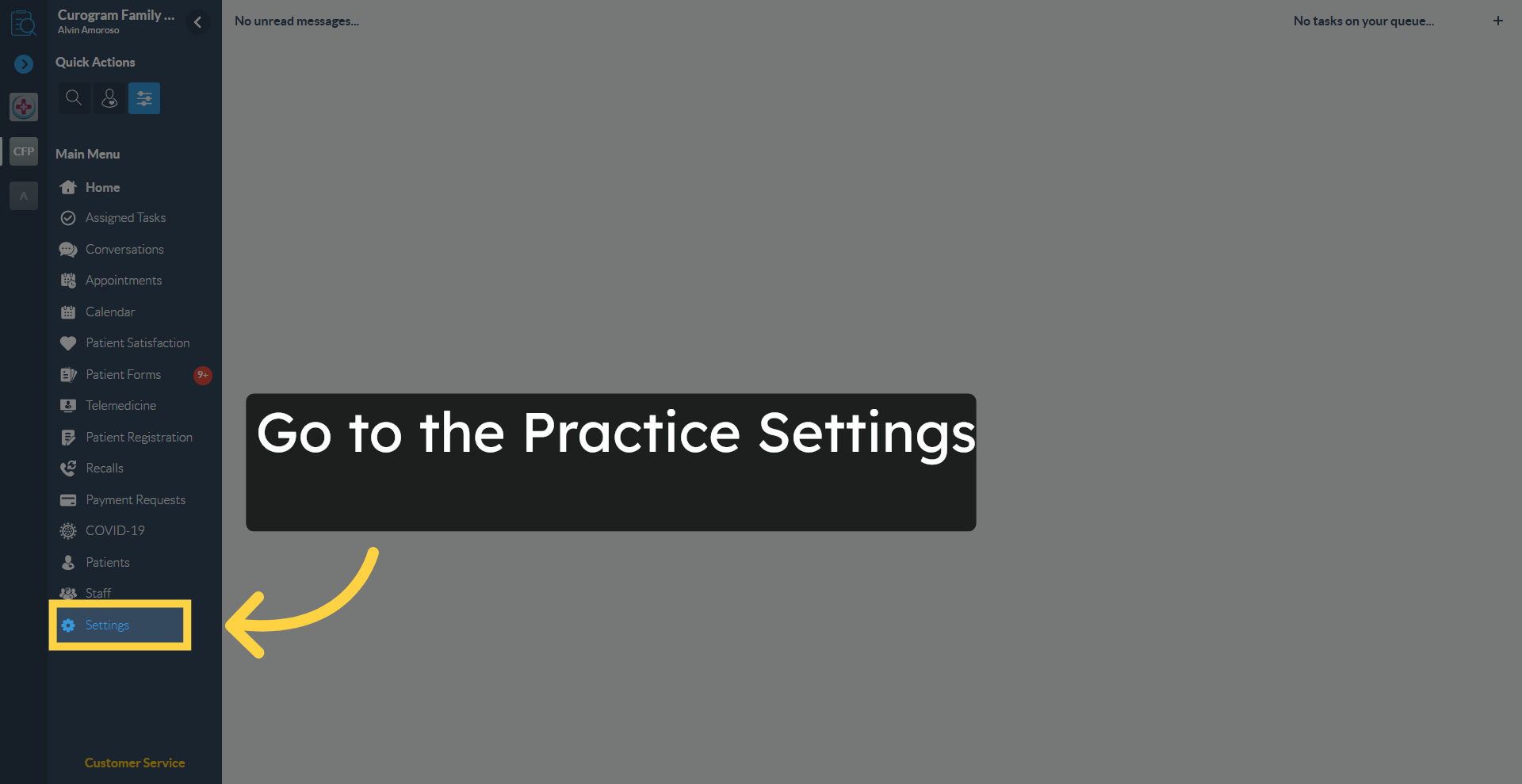
Access Curogram Home Page

2. Open VoIP Notifications Settings

Click "VoIP Notifications" to access the notification template customization options in the settings menu.
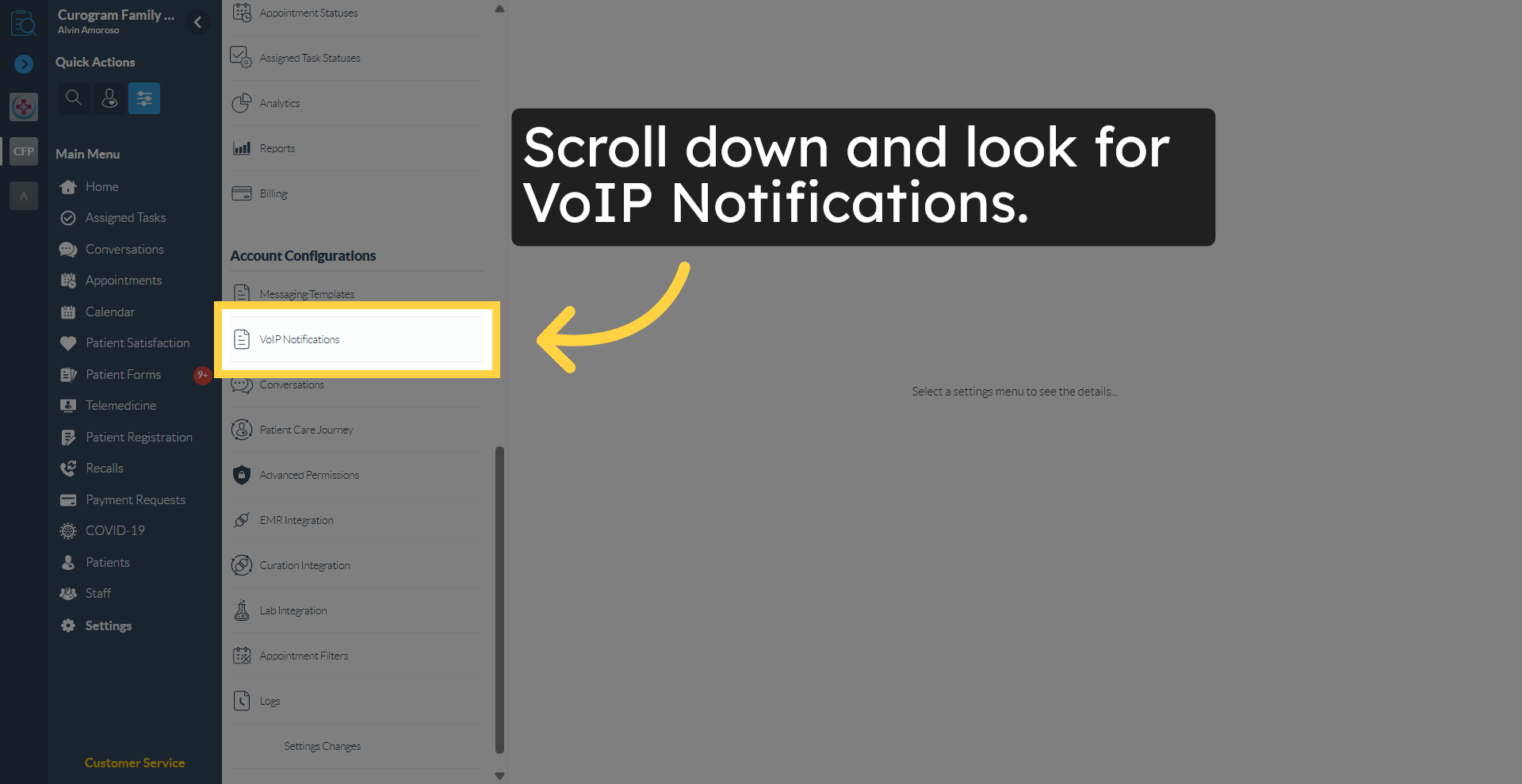
Open VoIP Notifications Settings

3. Navigate to Custom Templates you want to change

Click here to go to the templates page, where you can manage and customize your notification templates.
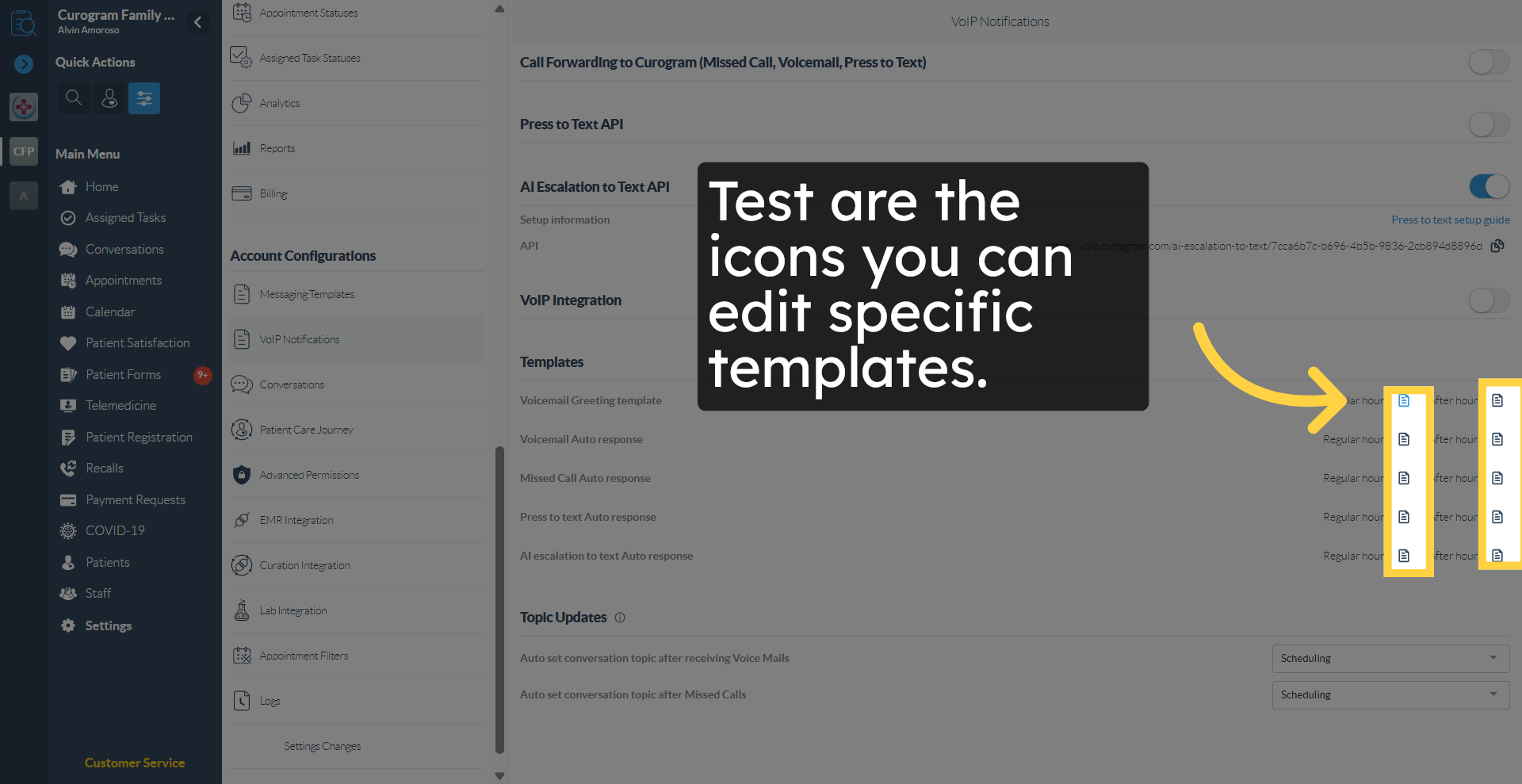
Navigate to Dashboard Section

4. Click Update

Click "Update" once everything is set.
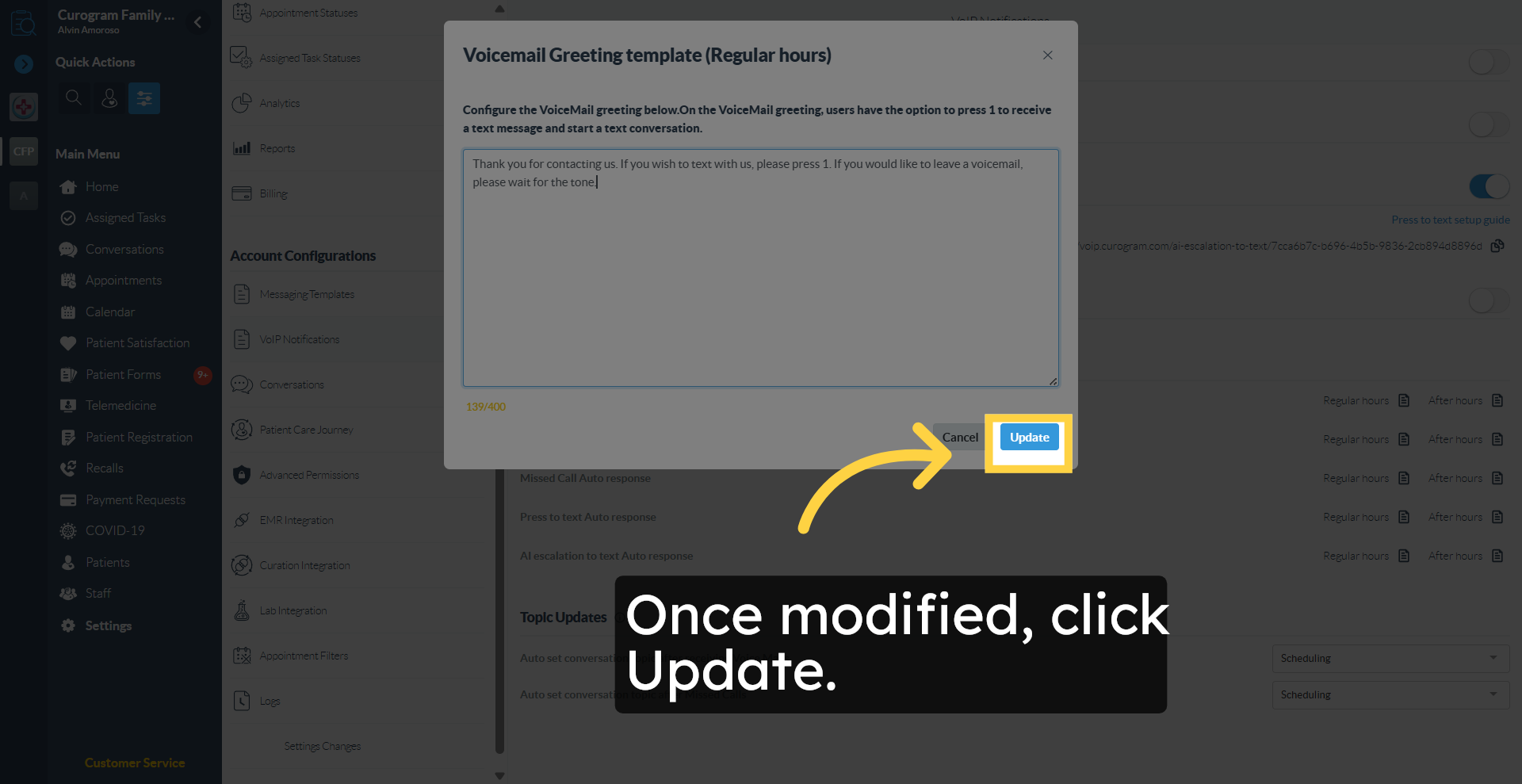
Cancel Current Action
 
And that's it. You have successfully navigated through the steps to customize VoIP notification templates in Curogram.
 
For more information, contact our Customer Support team at support@curogram.com